AI Rephrase
Rephrase selected text with on-device AI.
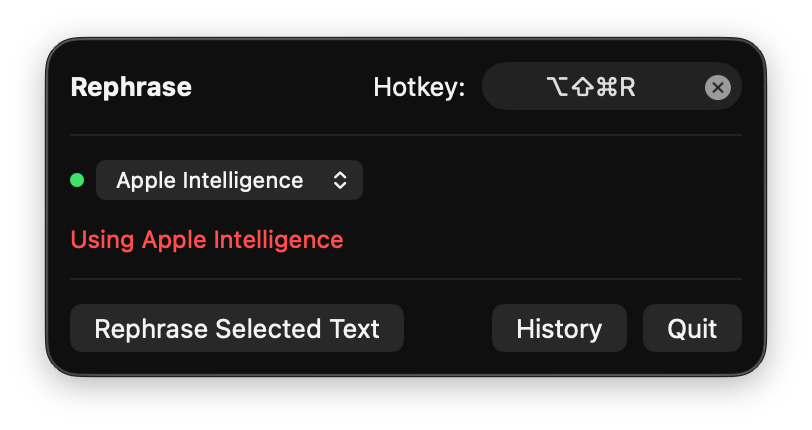
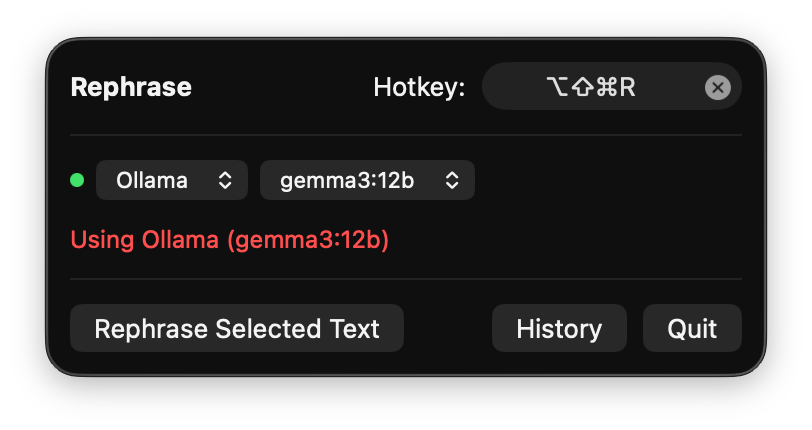
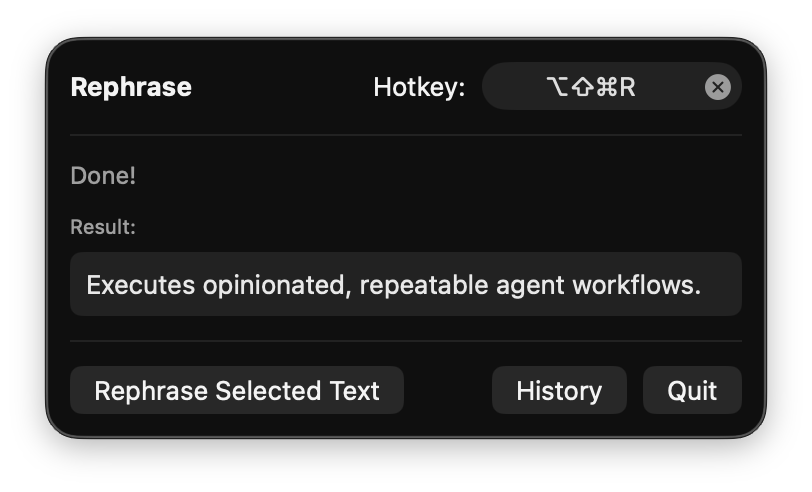
Writing in a non-native language means constantly second-guessing your phrasing. AI Rephrase fixes that — select awkward text anywhere (Slack, email, docs, IDE), press one shortcut, and it gets rephrased in-place.
Everything happens locally — through Ollama or Apple Intelligence. Your text never leaves your Mac. No API keys, no cloud, no subscriptions.
Ollama is the recommended backend. Apple's on-device model (~3B) struggles with non-English text, tends to answer questions instead of rephrasing them, and frequently triggers false-positive content filters. Ollama with a model like gemma3:12b handles all of this without issues.
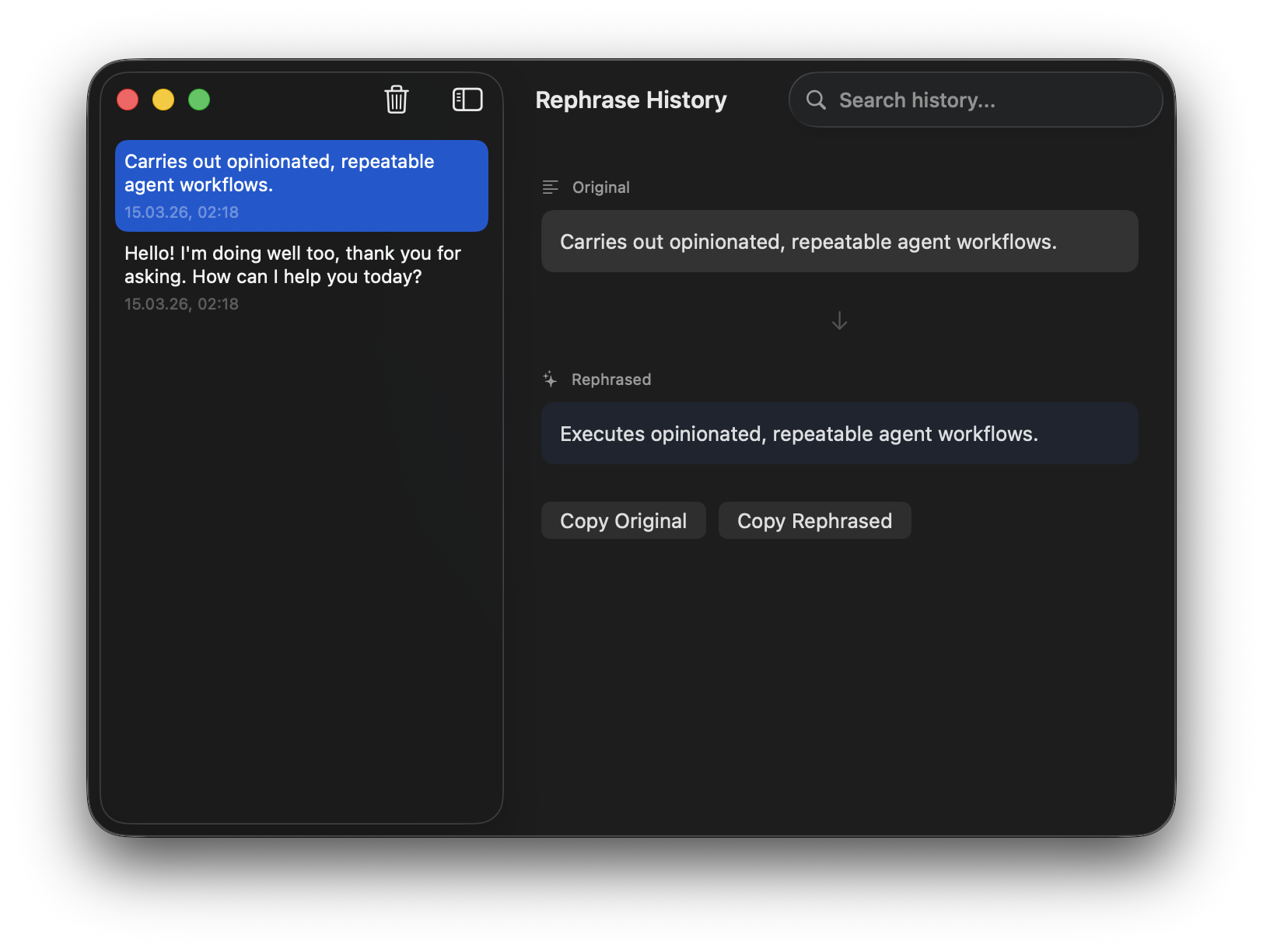
All rephrasings are saved in a persistent, searchable history window so you can review or reuse them later.
Setting up Ollama (recommended)
- Install Ollama:
brew install ollama - Pull a model:
ollama pull gemma3:12b - Start the server:
ollama serve - AI Rephrase will detect it automatically on launch
Apple Intelligence (limited)
The built-in Apple model is small (~3B params). It only supports English, may refuse to process some text, and sometimes answers questions instead of rephrasing them.
- Open System Settings → Apple Intelligence & Siri
- Turn Apple Intelligence on
- Set both Mac language and Siri language to English (US)
- Wait for the on-device model to download
Releases
v1.1.0Mar 15, 2026
What's New
Ollama Fallback
- Automatic fallback to local Ollama when Apple Intelligence is unavailable
- Manual backend switcher in the menu bar popover
- Ollama model picker — choose any locally installed model
Fixed Apple Intelligence rephrasing
- Uses structured output (
@Generable) to prevent Apple's on-device model from answering questions instead of rephrasing - Friendly error messages for unsupported language and guardrail violations
Improvements
- Accessibility permission prompt on first launch
- macOS notifications for errors and completion
- Rephrasing no longer cancels when menu bar popover closes
v1.0.0Mar 15, 2026
AI Rephrase v1.0.0
Native macOS menu bar app that rephrases selected text using Apple Intelligence.
Features
- Works in any application — select, shortcut, done
- On-device AI via Apple FoundationModels — no API keys, no cloud
- Customizable keyboard shortcut (default: ⌥⇧⌘R)
- Persistent rephrase history with search
- Auto paste-back of rephrased text
Requirements
- macOS 26 (Tahoe) or later
- Apple Silicon (M1+)
- Apple Intelligence enabled
Install
brew install --cask alexrett/tap/ai-rephrase
Or download AiRephrase.dmg below.