SWM
Simple Window Manager for macOS.
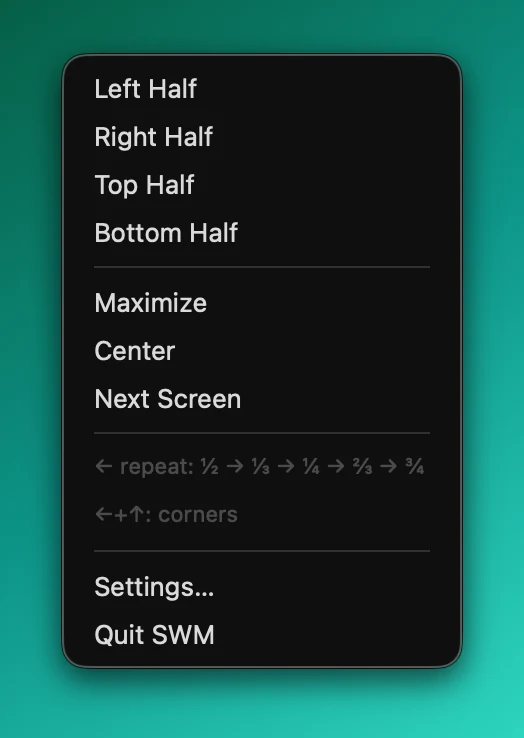
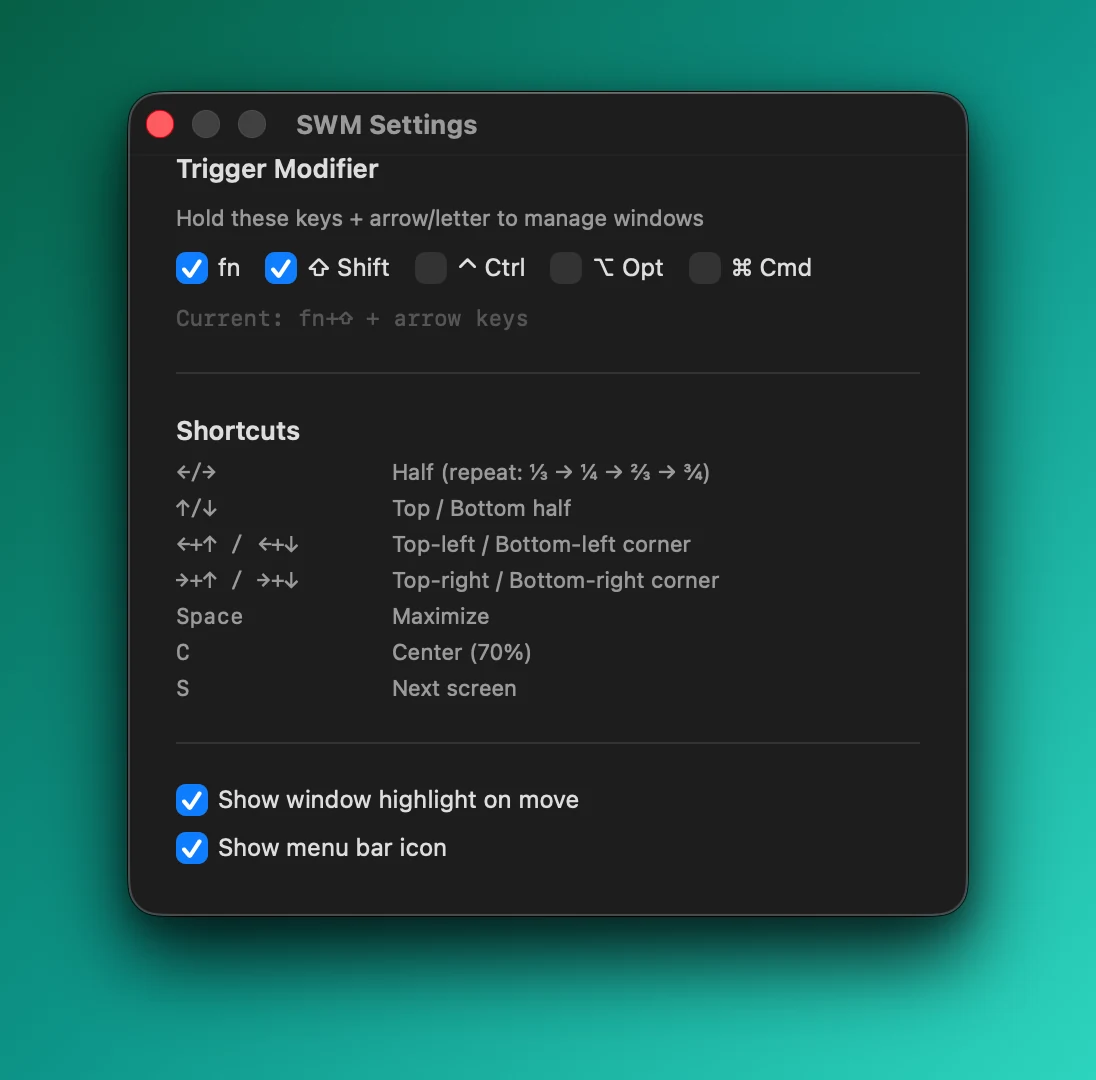
A tiny, opinionated window manager. Hold fn+Shift and press arrow keys to snap windows to halves. Repeat the same direction to cycle sizes: ½ → ⅓ → ¼ → ⅔ → ¾. Combine two arrows for corners.
This solves exactly my workflow and nothing else. No grid mode, no drag-to-edge, no subscription. If it doesn't fit yours — Loop is great.
$ brew install --cask alexrett/tap/swm
Required permissions
SWM needs Accessibility access to move and resize windows.
- Open System Settings → Privacy & Security → Accessibility
- Click the lock and authenticate
- Add SWM to the list
- Restart SWM
Shortcuts
← / →Half (repeat to cycle: ⅓ → ¼ → ⅔ → ¾)
↑ / ↓Top / Bottom half
←+↑ / ←+↓Top-left / Bottom-left corner
→+↑ / →+↓Top-right / Bottom-right corner
SpaceMaximize
CCenter (70%)
SNext screen
,Open settings
Releases
v1.0.0Mar 15, 2026
Initial release.
- Snap windows with fn+Shift + arrow keys
- Repeat direction to cycle: ½ → ⅓ → ¼ → ⅔ → ¾
- Combine arrows for corners
- Space = maximize, C = center, S = next screen, , = settings
- Configurable modifier keys
- Works with Chrome and Chromium-based browsers
- Signed and notarized
Install: brew install --cask alexrett/tap/swm
platformmacOS 13+
architectureuniversal (arm64 + x86_64)
frameworkSwiftUI + Carbon
default triggerfn + Shift + arrows
modifiersconfigurable (fn, Shift, Ctrl, Opt, Cmd)
chromefull compatibility (AXEnhancedUserInterface workaround)
size~200KB
licenseMIT
privacyfully offline, no telemetry
updatebrew upgrade --cask alexrett/tap/swm
uninstallbrew uninstall --cask alexrett/tap/swm